DTF Transfers Upload Gang Sheets

DTF Transfers Upload Gang Sheets

22" x 12" (1 ft)
$7.00 USD
Skip to product information
DTF Transfers Upload Gang Sheets

DTF Transfers Upload Gang Sheets

$7.00 USD

Temperature

290–320°F

Time

8–15 sec

Pressure

Medium

Peel

Hot peel

🎯 Crisp, high-resolution print quality
🎨 Vibrant, accurate colors
🧵 Strong adhesion to multiple fabric types
🤸 Flexible and stretch-friendly finish
🧼 Long-lasting wash durability without cracking or fading

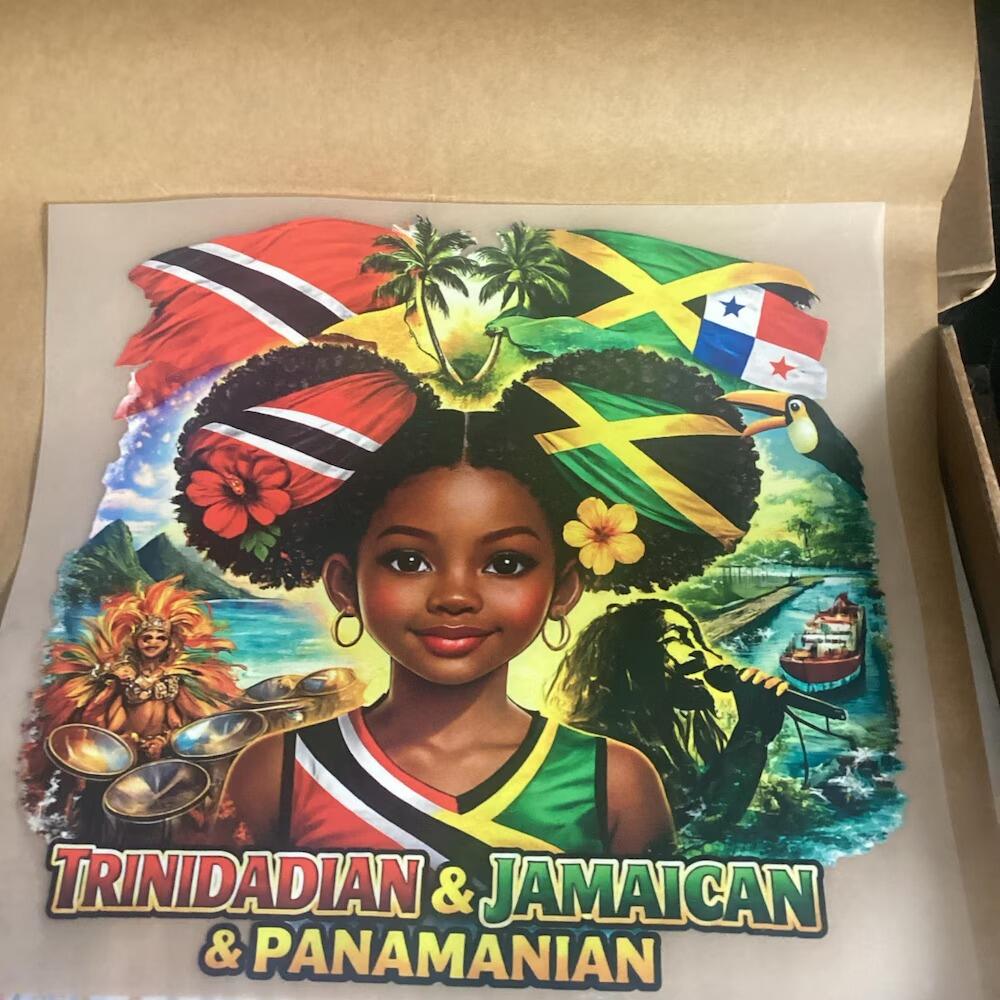
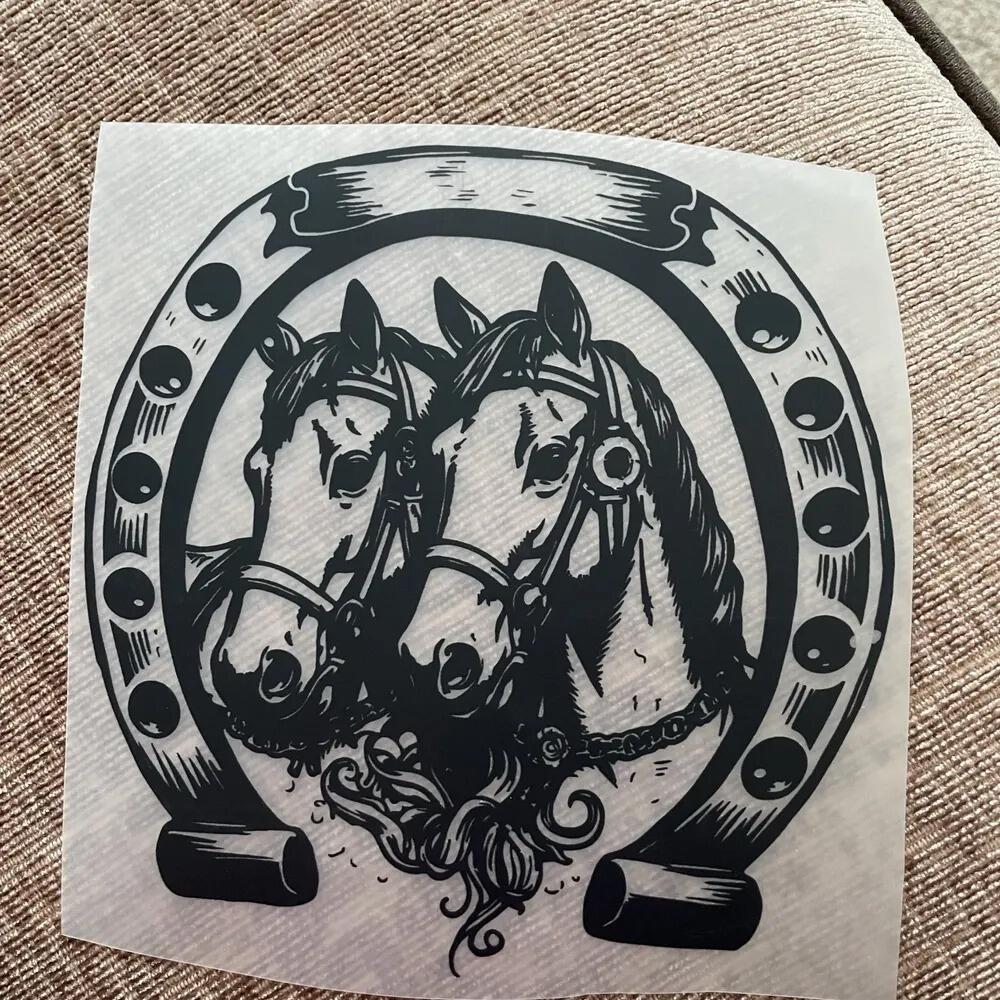
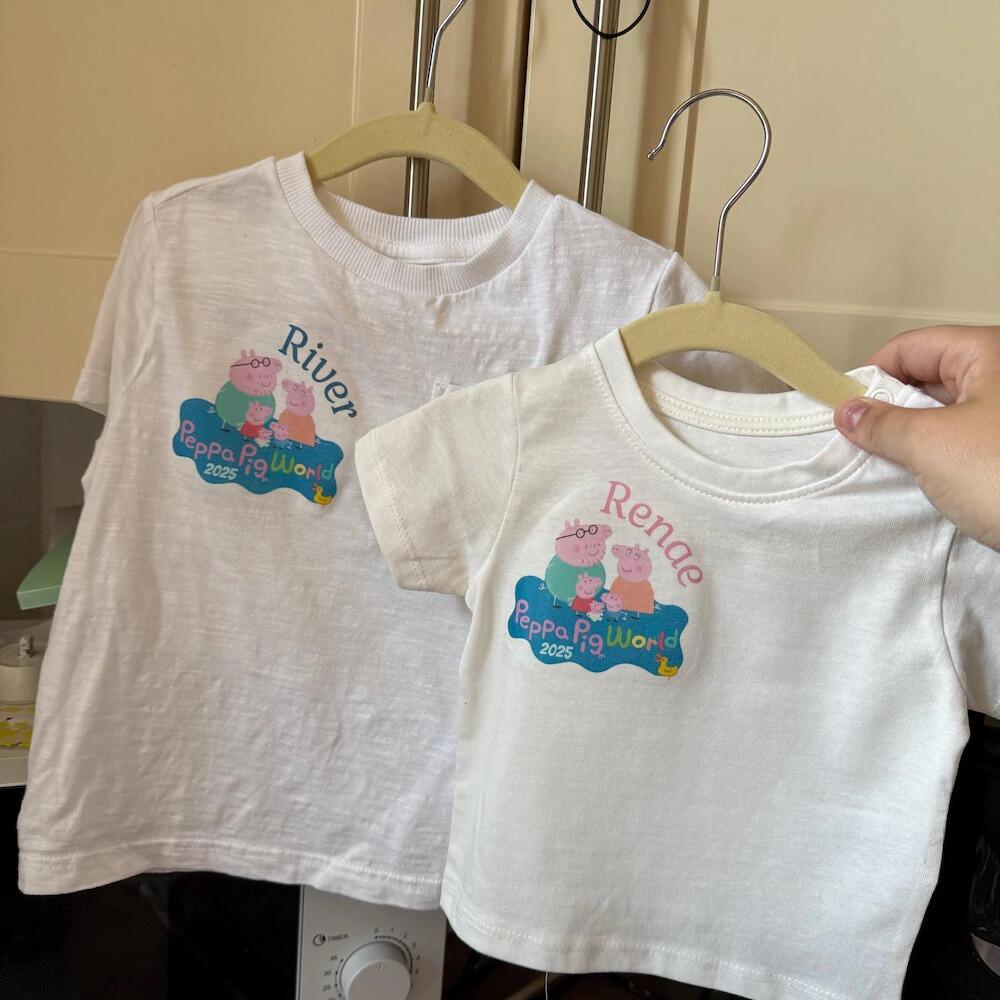
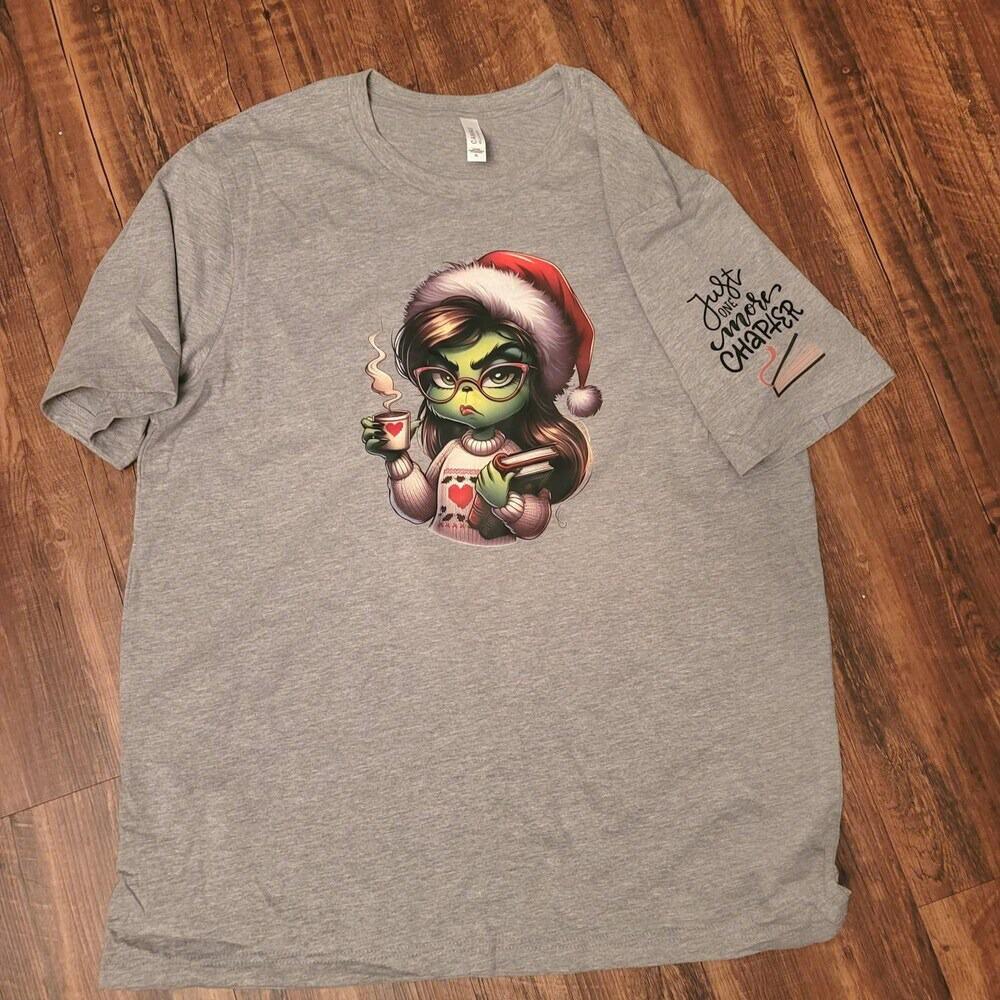
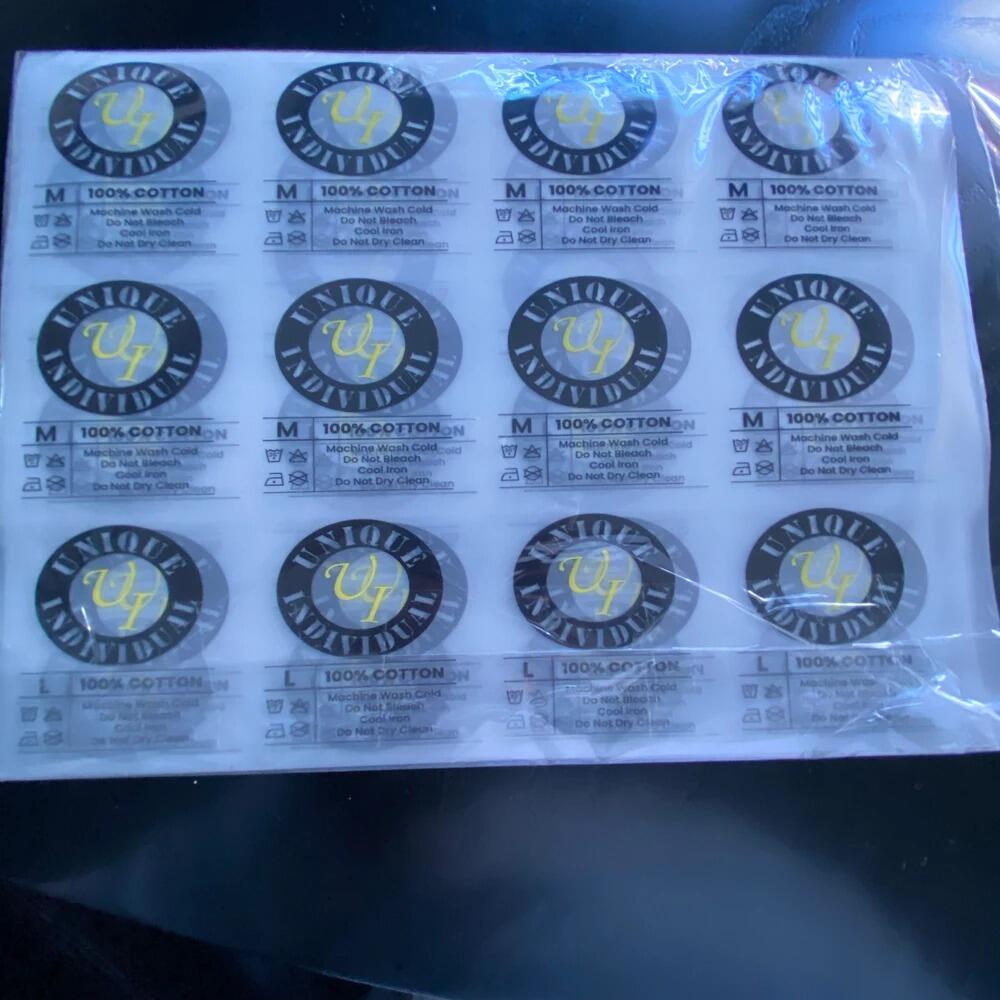
Take your production to the next level with the Penguink Transfers DTF Upload Gang Sheet. Simply upload your ready-to-print gang sheet file and let us handle the printing — perfect for apparel brands, print shops, and custom merch creators. Upload multiple logos, artwork, brand labels, and designs onto a single sheet to save on costs, reduce material waste, and speed up production.

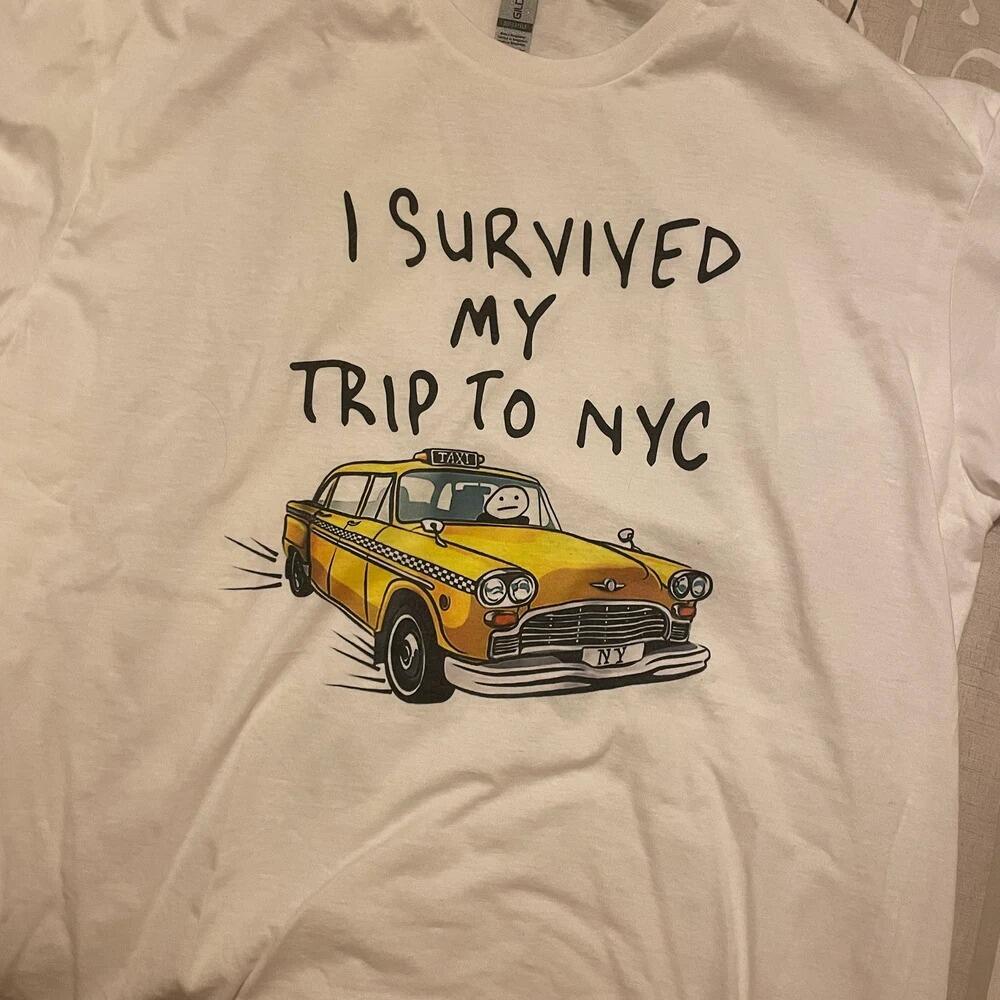
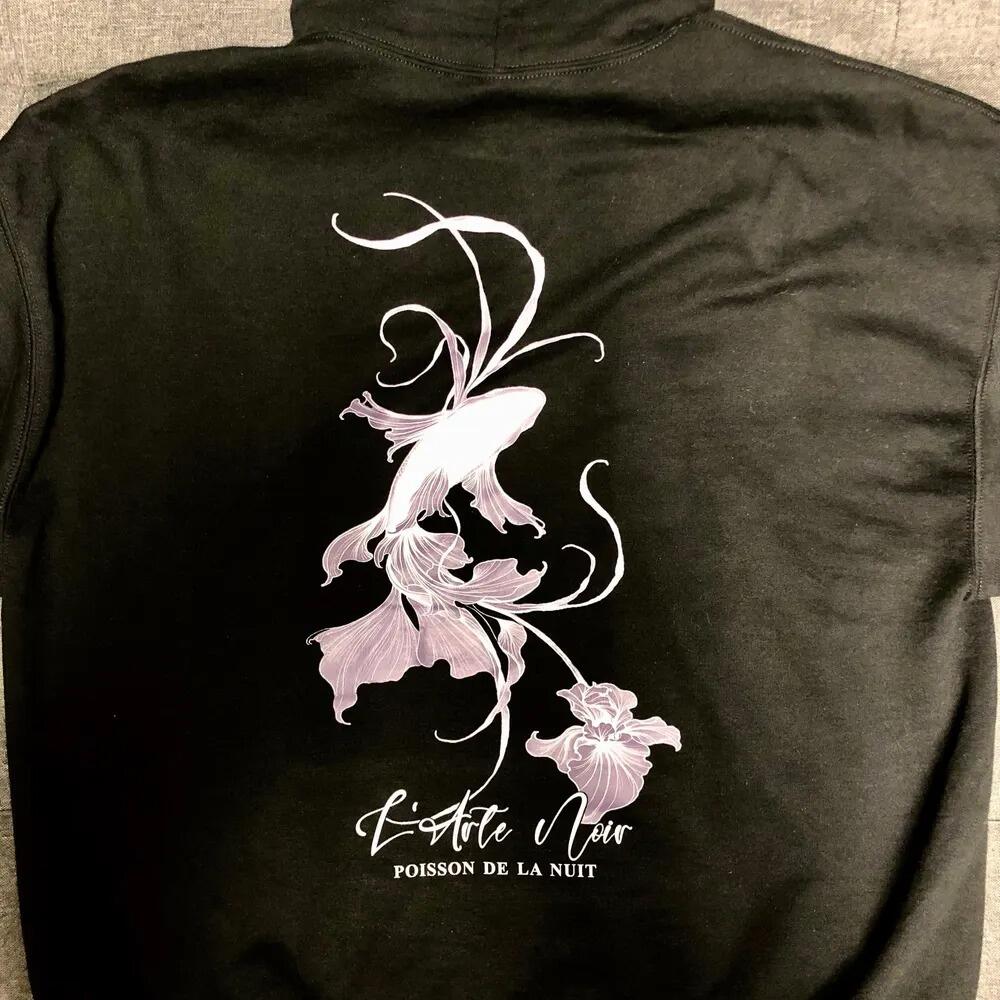
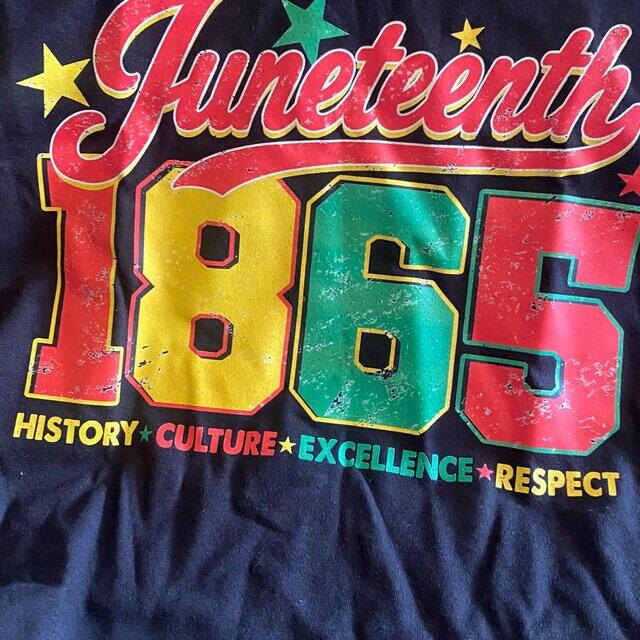
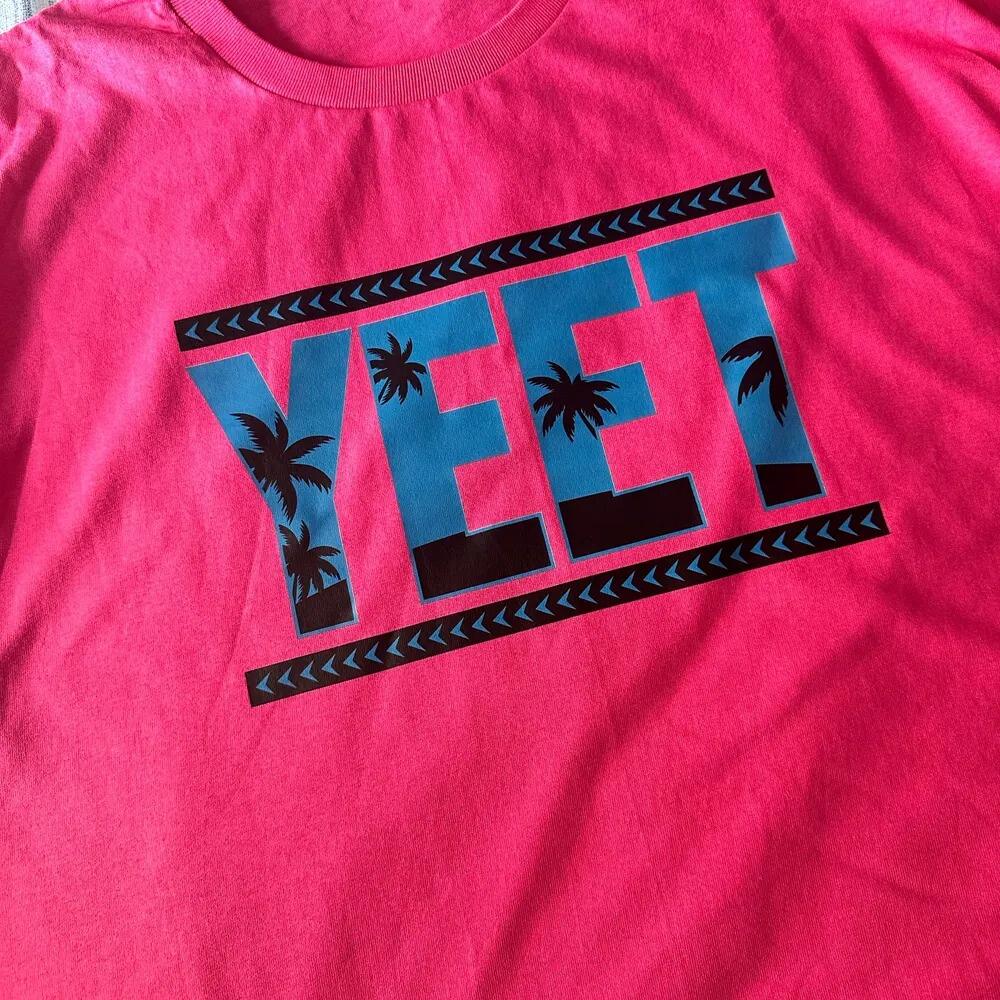
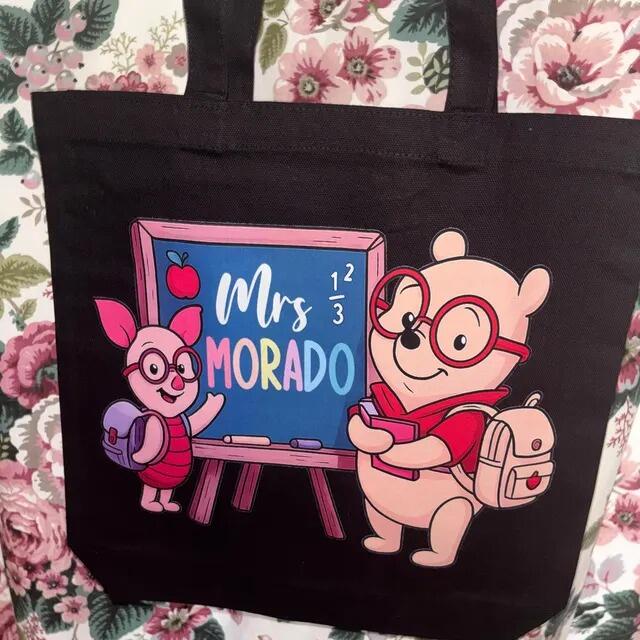
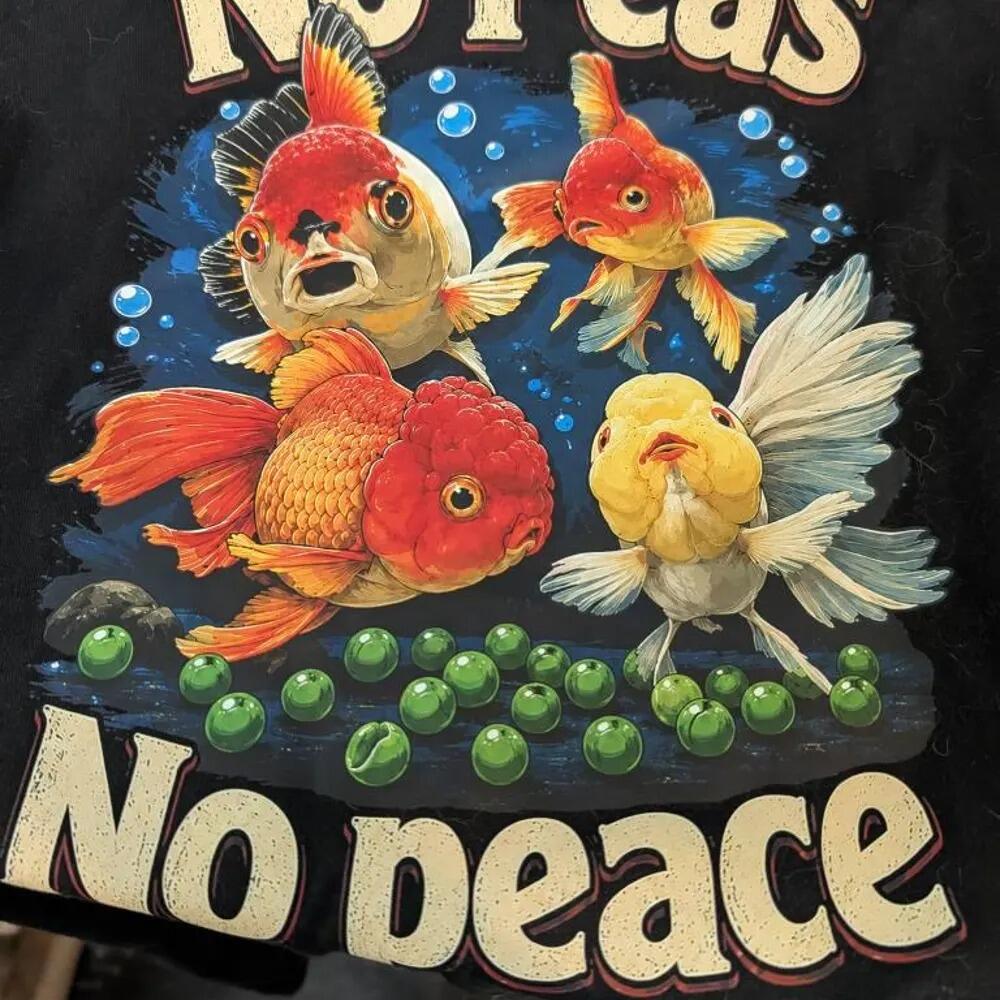
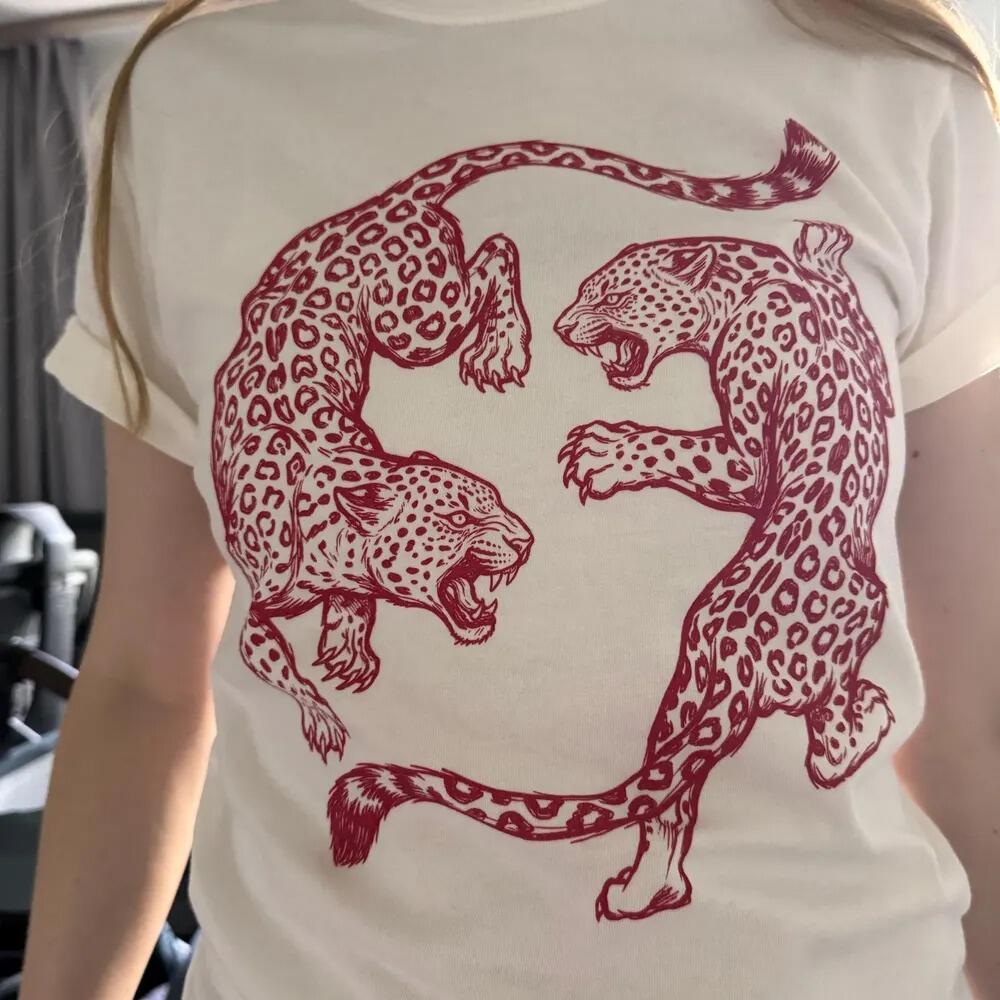
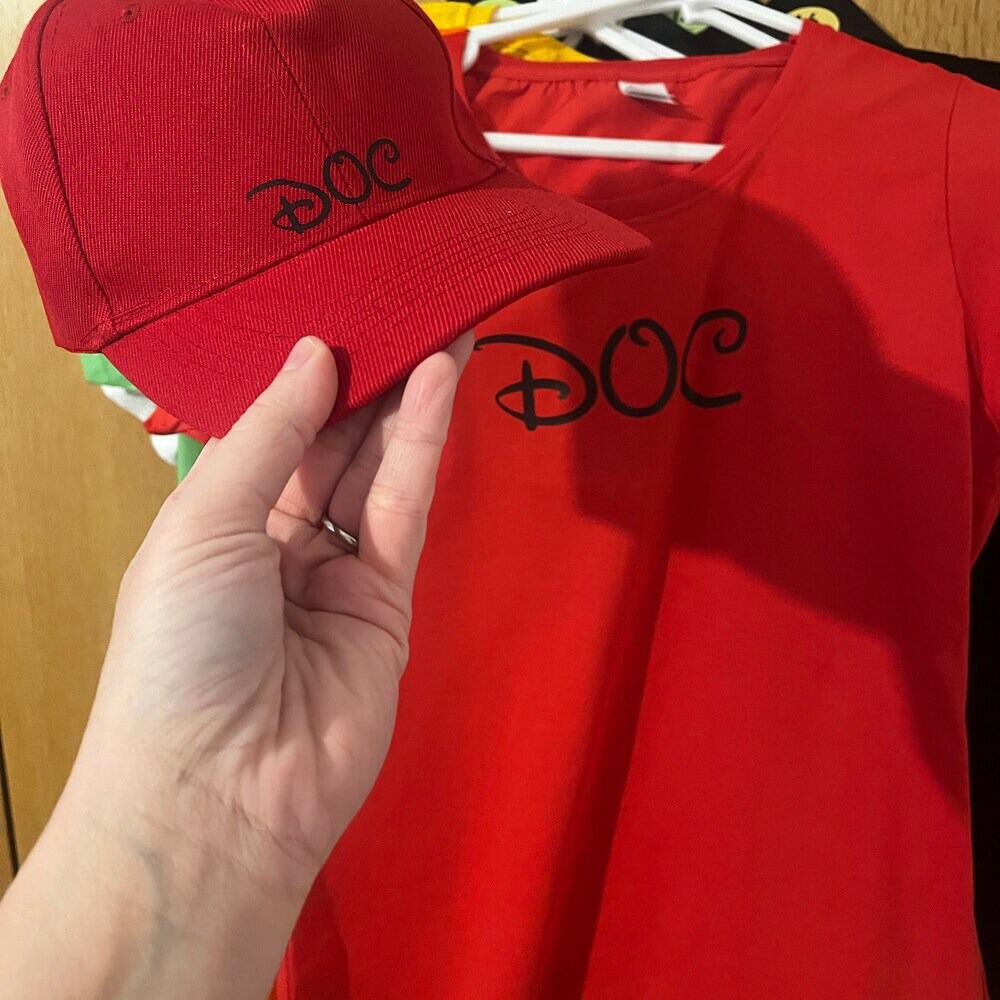
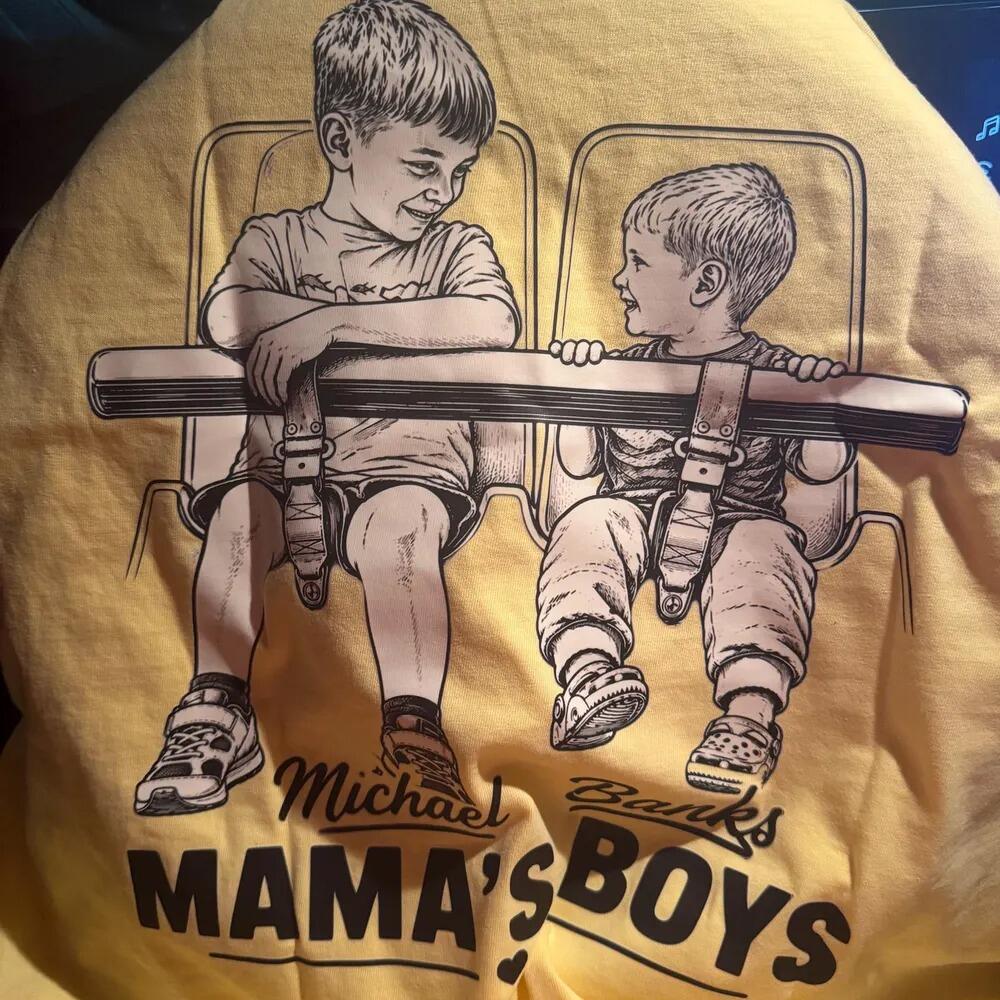
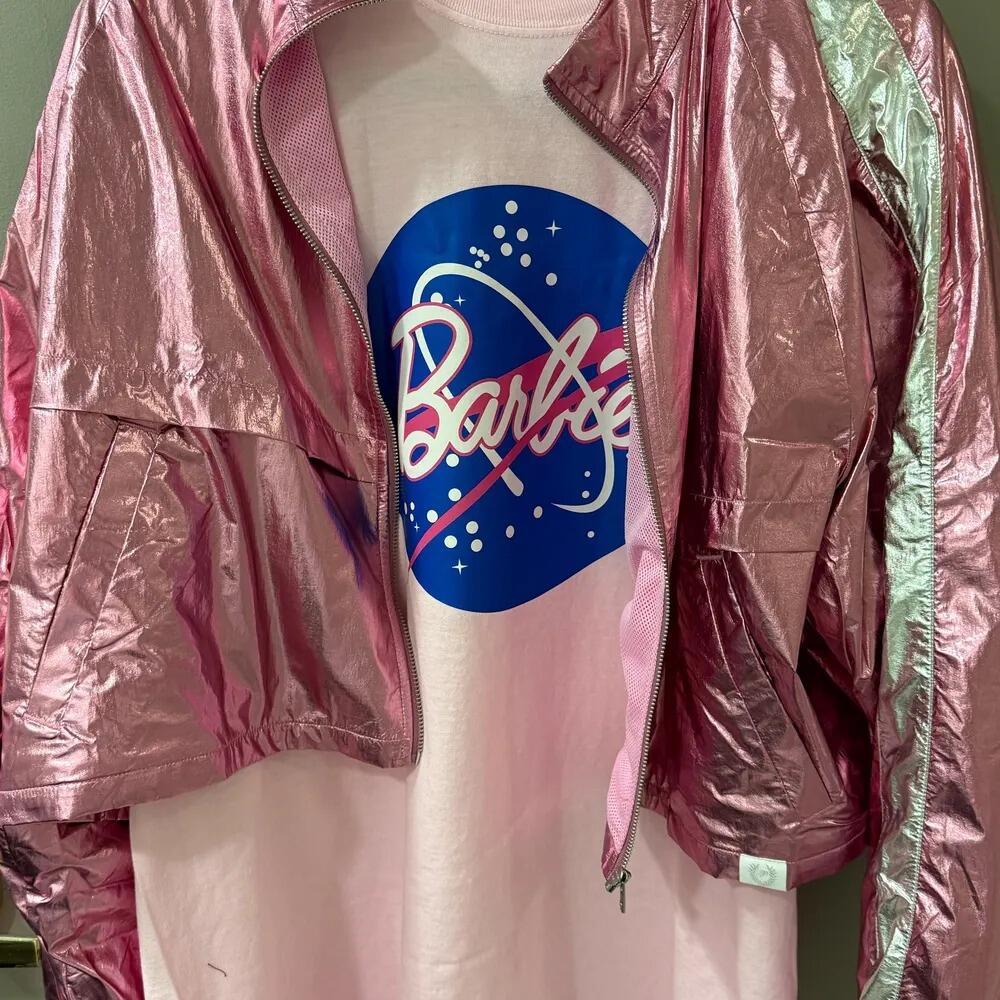
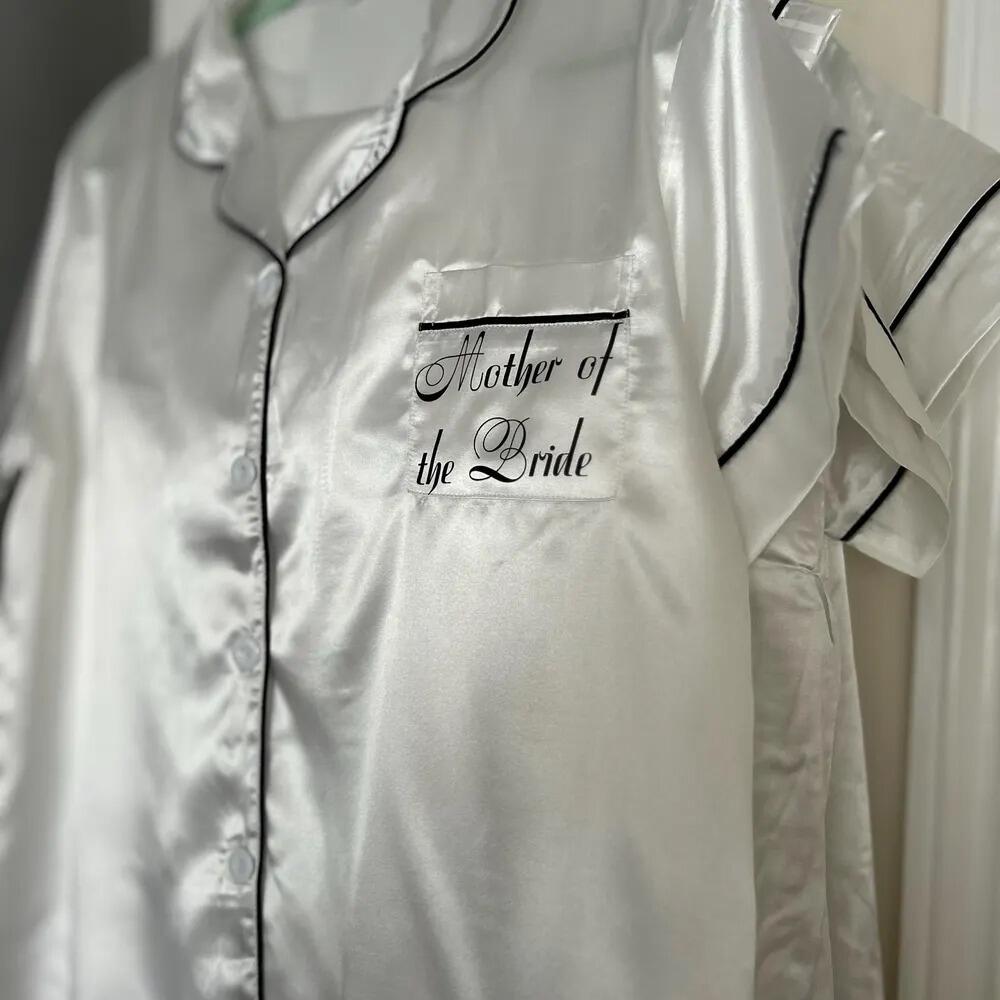
With DTF transfers, you can decorate T-shirts, hoodies, tote bags, hats, and hundreds of other products with sharp details, vibrant colors, and long-lasting results that hold up wash after wash.

Upload Your Gang Sheet, Print Without The Hassle

Already have your gang sheet prepared? No need to rearrange or rebuild your designs. Simply upload your finished gang sheet file, and we’ll reproduce it with precision. Our streamlined upload process makes ordering fast and easy, while ensuring your gang sheet is ready for professional-quality DTF printing.

Fast, Reliable, Professional

We use premium DTF film, highly durable stretchable inks, and a strong hot-melt adhesive to deliver maximum wash resistance and long-term performance. Whether you need fast production or are scaling for bulk and wholesale orders, our system is built for speed, consistency, and professional results.

Upload your ready-to-print gang sheet, simplify your workflow, and get premium DTF transfers made for production. From your first order to your largest bulk run, enjoy a smooth, stress-free process with sharp prints, vibrant colors, and dependable performance.

Styled With

  • 5 stars: 44 (83%)
  • 4 stars: 9 (17%)
  • 3 stars: 0 (0%)
  • 2 stars: 0 (0%)
  • 1 star: 0 (0%)
K
Karen G.
Amazing detail

Small lines held up well.
S
Stephanie R.
Super bright

The white underbase is solid.

D
Daisy R.
Looks great

Very professional results.

H
Heather S.
Great tool

Uploading the file was quick.

T
Thomas A.
Easy to use

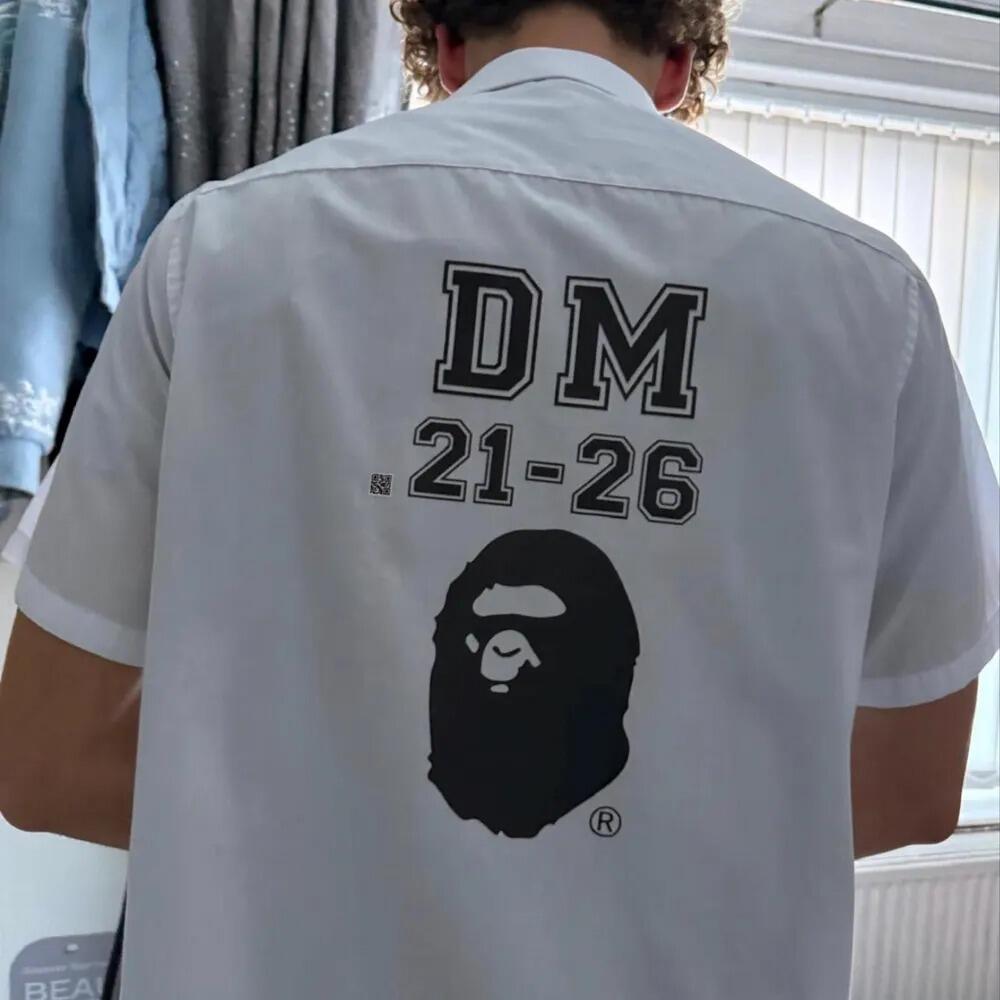
Uploading my gang sheet was very intuitive.
M
Matthew J.
Flawless

No issues peeling.

M
Melissa M.
Great

Very happy with my order.

M
Megan K.
Very durable

Held up perfectly in the laundry.

N
Natalie P.
Flawless

Could not be happier.

P
Paul B.
So easy

Super smooth upload tool.

R
Robert M.
Perfect peel

Hot peel worked great.

C
Chris E.
No issues

Pressed perfectly on my shirts.

M
Mike J.
Vibrant colors

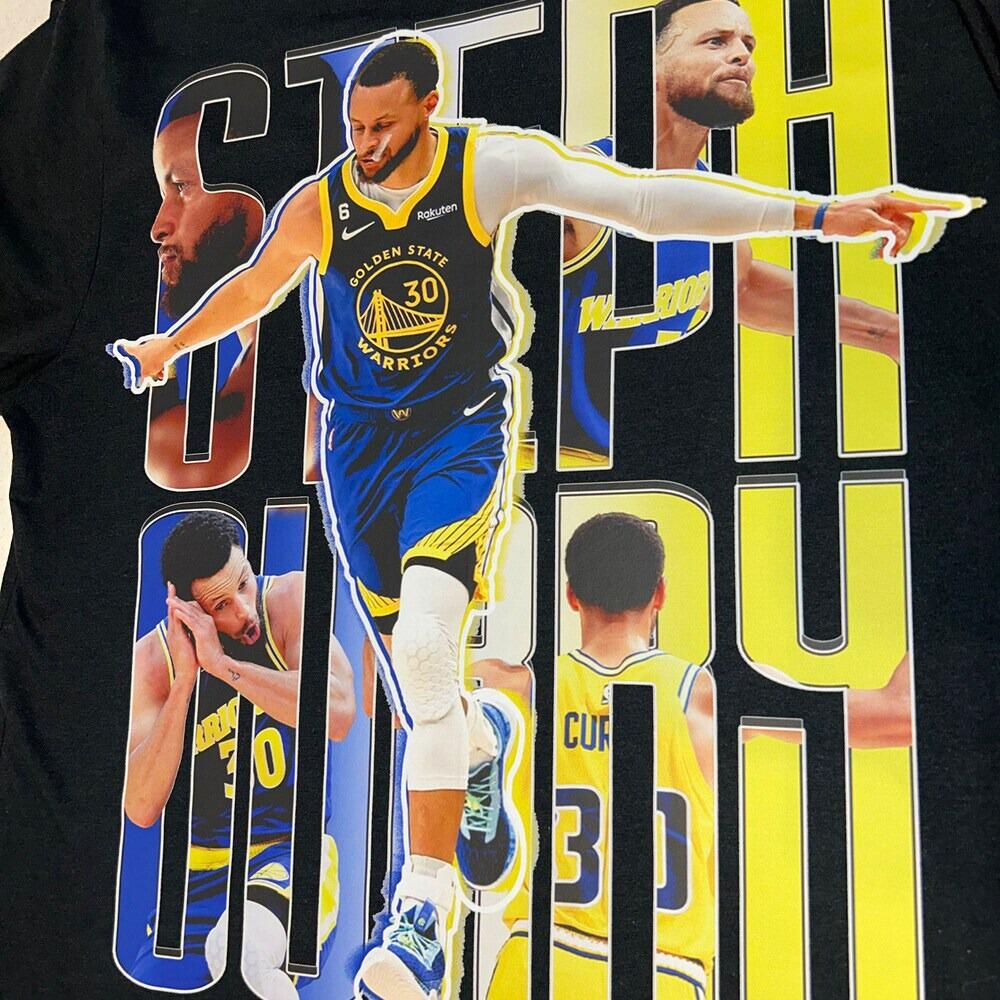
Uploading my gang sheet was super easy. The colors came out vibrant and it pressed beautifully on the shirts.
J
Joseph L.
Awesome colors

Bright and opaque, even on black.

D
David M.
Highly recommend

The gang sheet was printed perfectly, all my logos look amazing.
N
Nicole A.
Amazing

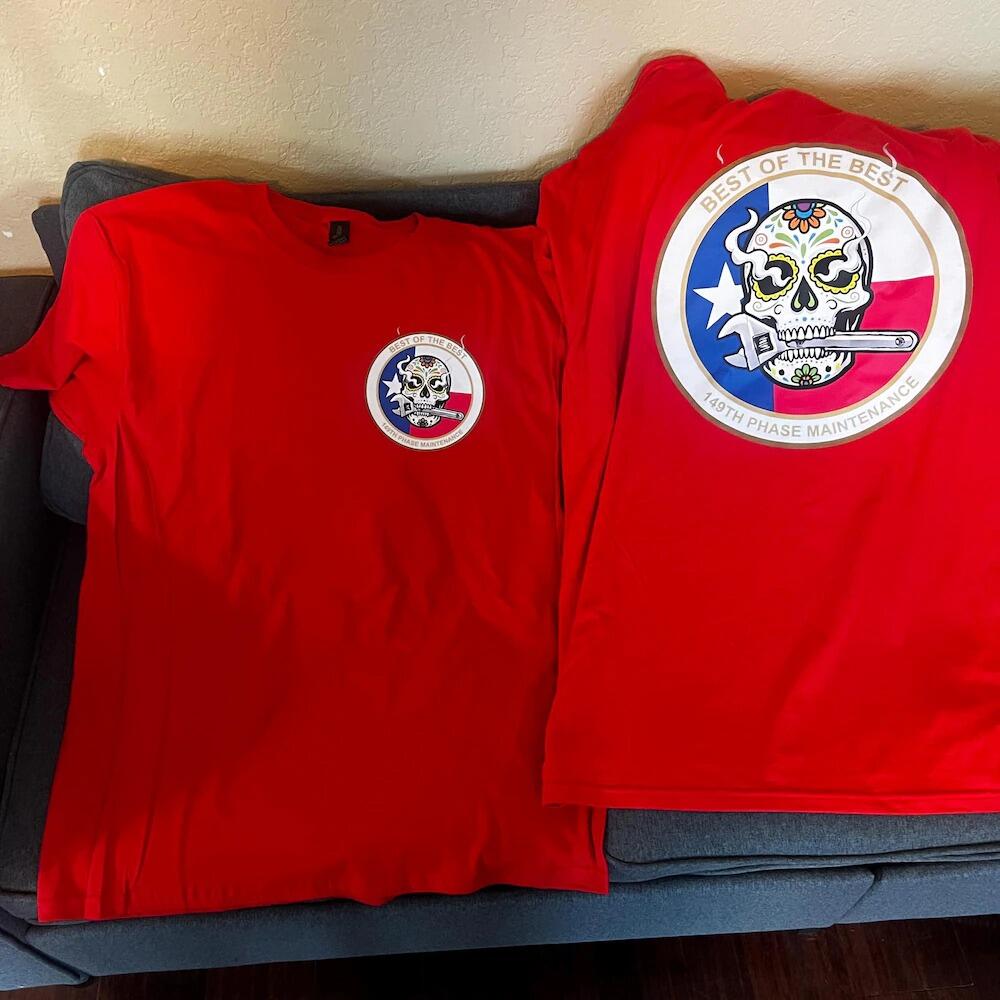
Unmatched transfer quality.

M
Mark N.
Smooth process

Seamless ordering experience.

R
Rebecca R.
Great support

Had a question and they answered fast.
C
Christopher H.
Super soft

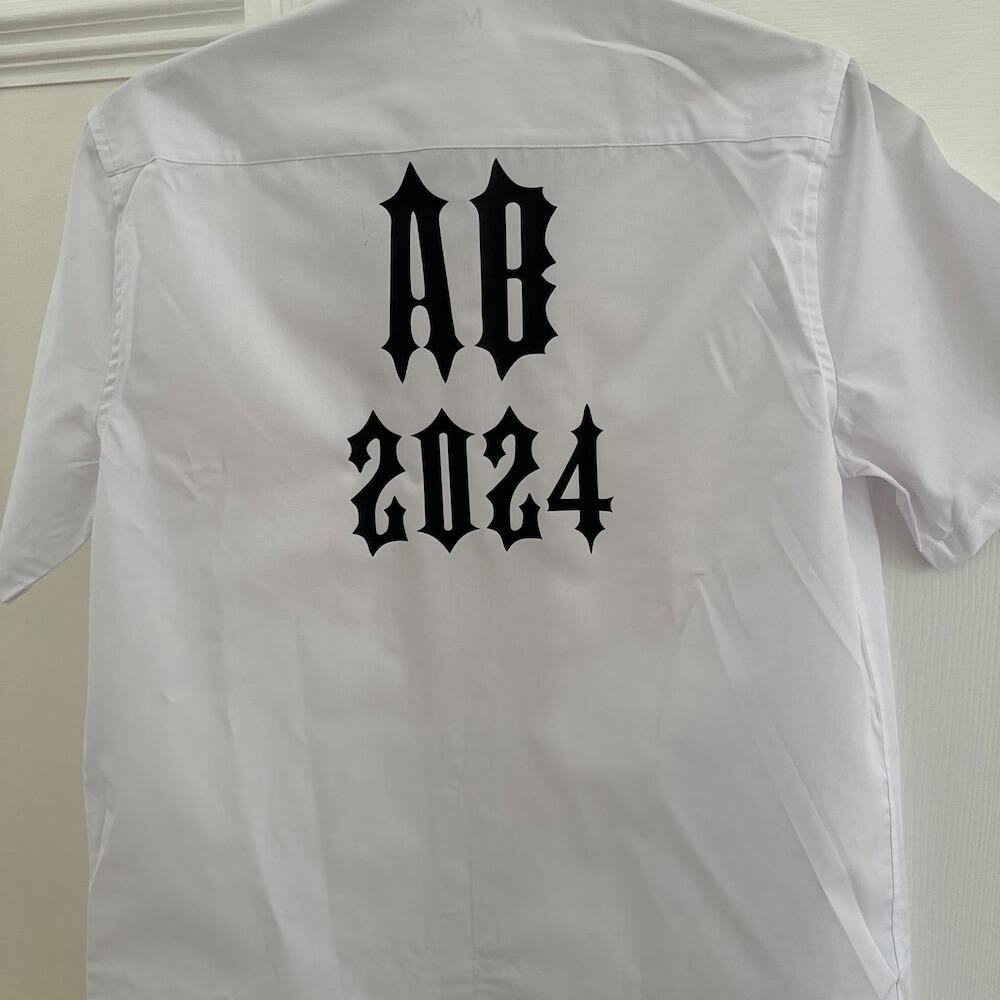
Soft hand feel, blends perfectly.

J
Jane S.
Fast turnaround

Got my gang sheet in 2 days.

I
Idris E.
Very happy

My clients love the shirts.

C
Charles W.
Fast shipping

Delivered faster than promised.

D
Daniel A.
Super fast

Shipped same day I uploaded.

J
James T.
Amazing detail

Even the small text printed clearly.

A
Amy A.
Great value

Affordable and high quality.

How to Apply DTF Transfers?

1. Pre-Press the Garment

Before applying your transfer, pre-press the garment for about 5 seconds. This step removes moisture and wrinkles, creating a smooth, flat surface for application.

A properly pre-pressed garment helps the transfer adhere more effectively and improves durability. Skipping this step may lead to poor adhesion or cause the design to wear out faster over time.

2. Place & Press

Carefully position the transfer on the garment exactly where you want the design to appear. Once aligned, press firmly and evenly using a heat press.

Use the recommended settings: 320°F (160°C) for 15 seconds. Make sure the entire design area receives consistent heat and pressure to ensure proper adhesion and long-lasting results.

3. Lift & Lock

Immediately after pressing, peel the film away while it’s still hot using one smooth, steady motion. Do not allow the transfer to cool before peeling.

For added durability, cover the design with parchment paper or a Teflon sheet and press again for an additional 5 seconds. This final press helps lock the design into the fabric for a longer-lasting finish.

Long-Lasting Print Care

To keep your prints looking their best, wash garments inside out in cold water. Avoid using bleach or harsh detergents, as they can damage the design.

With proper care, your DTF transfers can withstand 80+ washes while maintaining their color and adhesion — no fading, no peeling.

You may also like